Pro Tools – Tutorial for Beginners in 12 MINUTES! [UPDATED]
Select a topic below — scroll each row left or right to browse videos
Getting Started with Pro Tools7 videos
Pro Tools – Tutorial for Beginners in 12 MINUTES! [UPDATED]
Master Pro Tools: Your Ultimate Beginner’s Launchpad

Pro Tools – Tutorial for Beginners in 13 MINUTES! [COMPLETE]
Learn Pro Tools in 25 Minutes: Complete Beginner Tutorial

Pro Tools 101 – The Basics | Part 1: Getting Started

Pro Tools for Beginners Tutorial – Part 1: Navigation
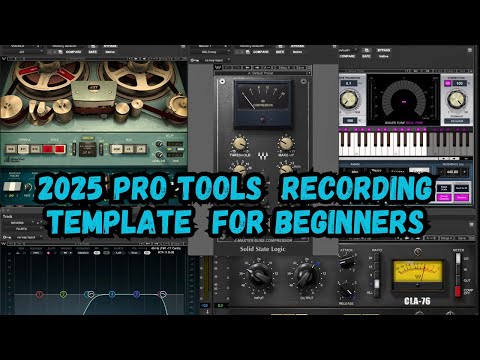
2025 Pro Tools Tutorial for Beginners / Free Pro Tools Intro Recording Template
Recording Audio7 videos
Pro Tools Tutorial | How To Record Audio (Avid Official)
How to Record in Pro Tools 2025: Routing, Importing Audio, Creating Tracks

Pro Tools Quick Tips: Recording Audio
Pro Tools First Tutorial (Part 2) – Audio Tracks and Recording

How to Record in Pro Tools (Step-By-Step for Beginners)
How To Record in Pro Tools
How to Record in Pro Tools Tutorial | Mix Talk Monday
Mixing & Mastering7 videos
Pro Tools Mixing Tutorial
Pro Tools Fast Start — Chapter 6: Mixing Fundamentals

Mastering in Pro Tools (with stock plugins)
How to Master a Song in Pro Tools | Every Step Explained In Detail
Mastering Audio Like a Pro | Mixing and Mastering in Pro Tools
Pro Tools Basics Lesson 13 – Mixing and Mastering
Pro Tools Recording, Mixing & Mastering Guitar & Vocals 101
MIDI & Virtual Instruments7 videos
Pro Tools Intro Tutorial (Part 2): MIDI and Virtual Instruments
Pro Tools Fast Start — Chapter 2: Recording MIDI
Pro Tools Basics: MIDI Recording and Virtual Instruments
Pro Tools – Virtual MIDI Keyboard and Using Virtual Instruments
Recording MIDI with a Keyboard, Virtual Instrument, or Synth in Pro Tools

Pro Tools — Virtual MIDI Keyboard
Pro Tools Basics: Getting MIDI Working
Audio Editing7 videos
Pro Tools Basics 10: Editing Audio Clips
Pro Tools Tutorial | How To Use Edit Tools (Avid Official)
Pro Tools Quick Tips: Edit Tools
Pro Tools Quick Tips | Cleaning & Editing Tracks | Smart Tool & Shortcuts
How To Edit Audio In Pro Tools First | Pro Tools First Pro Course [Part 9]
Pro Tools Intro Tutorial (Part 1): Setup, Audio Recording and Editing

Pro Tools 103: Recording & Editing Audio – Basics of DAW Audio
Plugins & Effects7 videos

Pro Tools Quick Tips: Effects Plug-Ins
Pro Tools 101 Lesson 9: Using Effects
How To Use Plugins In Pro Tools
How To Add Effects to Vocals (Pro Tools Tutorial)
How To Use Effects On Guitars (Pro Tools Tutorial)
How To Use Plugins in Pro Tools First | Pro Course [Part 11]
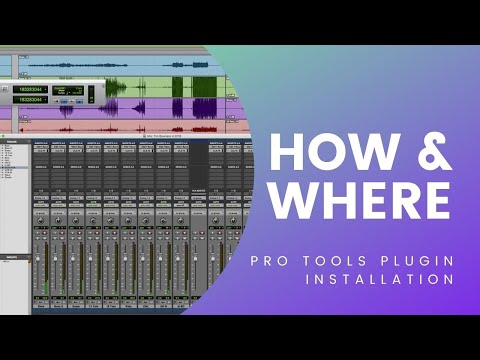
How and Where To Install Plugins In Pro Tools
Pro Tools 2024 — New Features & Tips7 videos
Pro Tools 2024.6: What’s New?
Pro Tools 2024.3 OUT NOW!

How to Get Pro Tools 2024.10 Software Update and Plugins
Pro Tools Tips 2024 – Templates & Track Presets
5 More Really Cool Pro Tools Tips
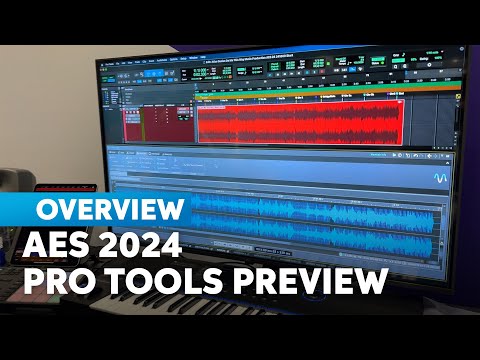
AES 2024: Avid Pro Tools Announces Upgrades and Features
Pro Tools Quick Tips: Aux I/O — Introduction and Setup
Pro Tools Video Tutorials All levels
Join SK Recording School
Access all tutorials, samples and courses
Pro Tools by Avid is the industry-standard DAW used in professional studios worldwide — from major label albums to Hollywood film scores. With powerful recording, editing and mixing tools, Pro Tools is the go-to choice for serious audio engineers and music producers at every level.
Music Tech News
Loading news...
New Sample Packs
SK Recording School Agent
Your AI production assistant
Ask questions about Pro Tools, get production tips, and get guided through lessons.
Coming Soon