SAMPLEKINGS
Join $60 — Limited Time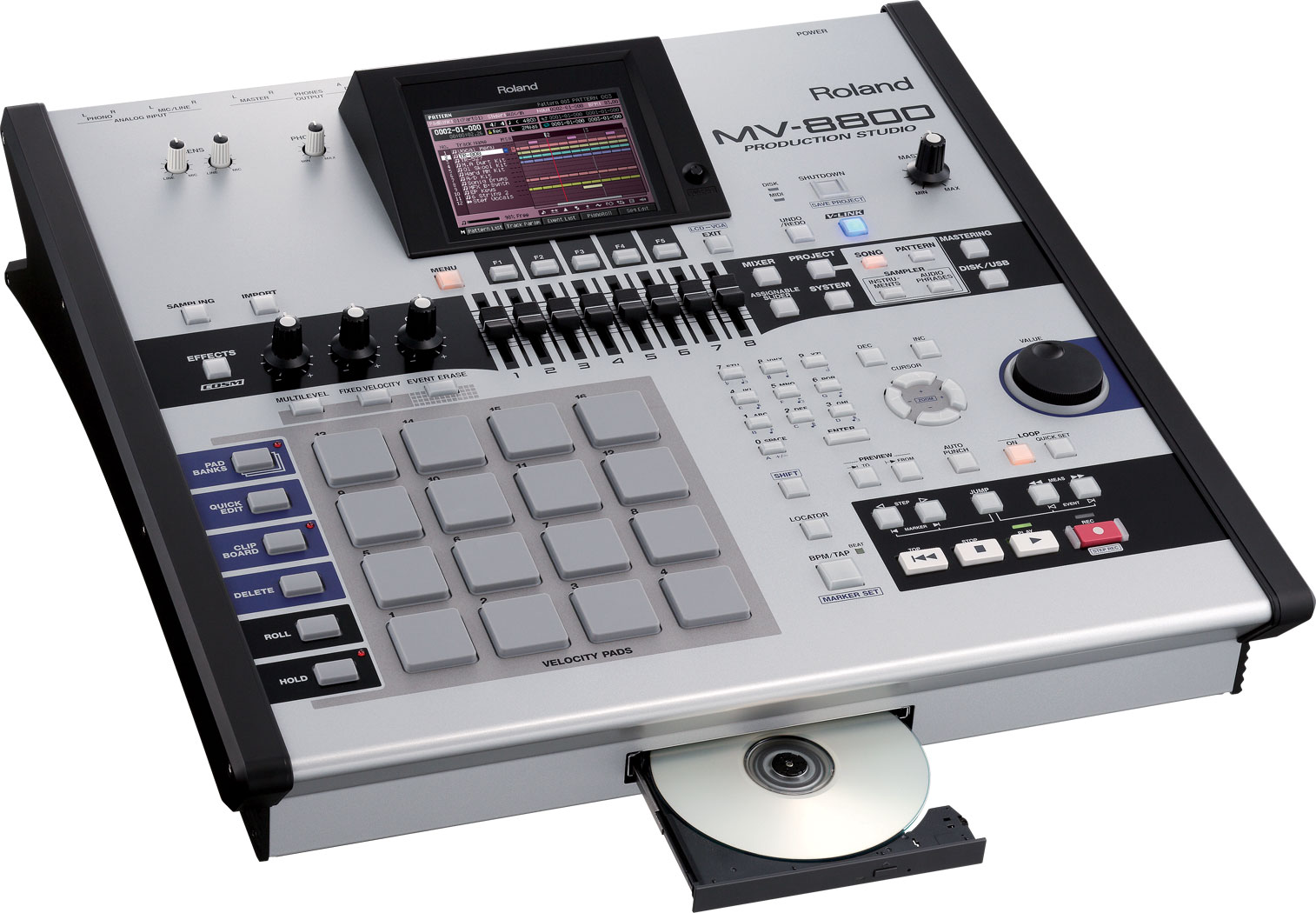
About The MV 8800
The Roland MV8800 was made to compete with the MPC4000 and Roland made it work. In this DVD series we cover every major detail on the MV8800 the first DVD Part 1 we go over the back to get you started with the hook up to your system and the use of a monitor for better viewing. Next we cover all the buttons, knobs, and data wheel to teach you just how it all works with the internal software. Sequencing is very important and we cover all the features including the use of templates and importing samples from the hard drive to use in your sequence.
Our MV8800 DVDs we show you how to set levels, and hook up a mike to record some vocals. You'll learn about mixing the song on our MV8800. We'll mix the audio tracks with the sample tracks and the midi track to get the mix we want. Next we'll teach you how to setup your effects, so you can add reverb, or chorus, or delay, and any effect. All you got to do is search the effect library and select the effect you want for the track you want, turn up the effect send and your there. We have lessons for the MFX's and we'll teach you how to select and effect like an auto wah we can have these FX's set to the input or aux or output, etc. The MFX is different from the effects and can be used in many ways this section is cool. Its time to bounce our song down to a CD that you can play in a CD player. We start with mix down mode we press enter, setup the length of our mix, watch to make sure the record light is flashing and it time to make that CD. Mastering is the last step in getting that CD to have at the right level for playback so no matter where it's played it sounds good.